GaugeMon
Mac Performance Guide
Check CPU temperature on a Mac (without sudo)
Short answer
Without sudo, no built-in macOS command prints the CPU temperature in degrees, and on Apple Silicon not even with sudo. What you can get from the terminal is whether macOS thinks the Mac is too hot. The sensors themselves are readable by apps, which is how GaugeMon shows them.
What the terminal can tell you
Thermal warnings, no sudo
pmset -g thermNote: No thermal warning level has been recorded
Note: No performance warning level has been recorded
Note: No CPU power status has been recordedIf a warning level is reported instead, macOS is limiting performance because of heat.
Thermal pressure, needs sudo
sudo powermetrics --samplers thermal -n 1On Apple Silicon this reports a thermal pressure level, not a die temperature. powermetrics -h on an Apple Silicon Mac lists no smc sampler; on Intel Macs its man page describes an smc sampler that includes temperature sensors.
Battery temperature, no sudo
ioreg -rn AppleSmartBattery | grep '"Temperature"' "Temperature" = 3018That is the battery, not the CPU, and the value appears to be in hundredths of a degree Celsius (about 30 °C here). It is still a useful sign of how warm the case is.
Why it is this hard
Apple Silicon Macs expose their temperature sensors through the HID event system rather than a command-line tool, and Apple does not document them. Apple's own tools report thermal pressure (how much the system is throttling) because that is what affects performance. If you want degrees, you need an app that reads the sensors.
The easier way: GaugeMon
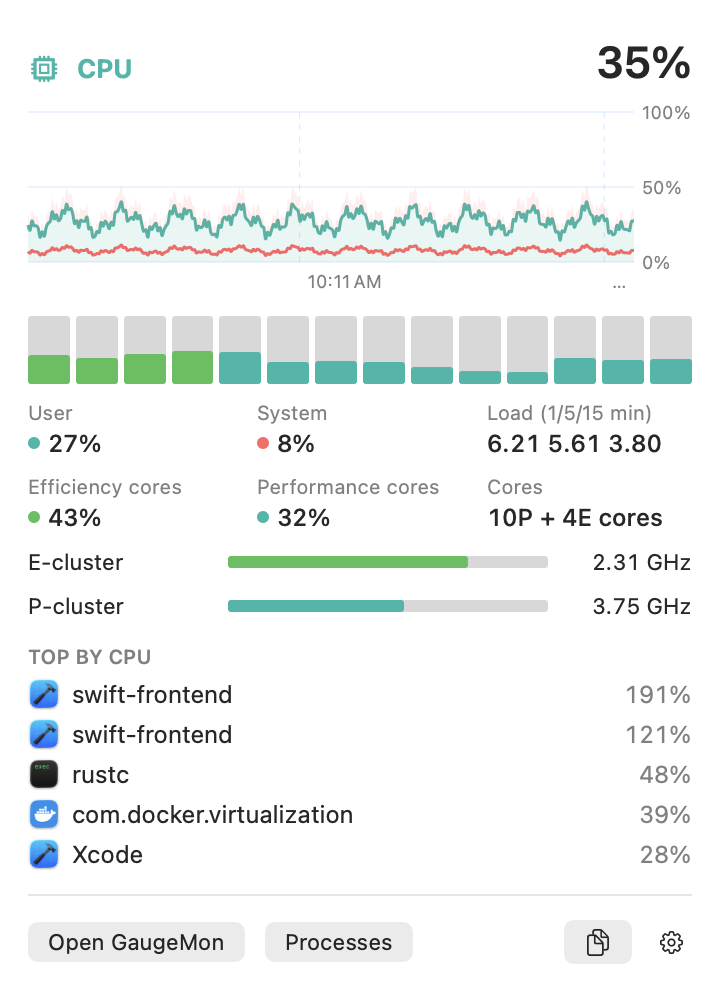
GaugeMon reads the HID temperature sensors without sudo on Apple Silicon Macs. Put the temperature in the menu bar in °C or °F, and click it to see every sensor, a 10-minute chart and the processes using the most CPU.