GaugeMon
Mac Performance Guide
htop on Mac shows 0% CPU for some processes
Short answer
macOS only lets a process read CPU and memory counters for processes owned by the same user. htop runs as you, so for processes owned by root or system users (WindowServer, mds_stores, kernel_task) it gets nothing and shows 0.0%, 0 memory and 0:00.00 CPU time. Run it with sudo htop, or use top or ps.
See it for yourself
Here is WindowServer in htop 3.4.1, run without sudo:
606 _windowser 17 0 0 0 ? 0.0 0.0 0:00.00 WindowServerAt the same moment, top reported it at about 63% CPU:
top -l 2 -n 10 -o cpu -stats pid,command,cpu,user606 WindowServer 63.7 _windowserverThe difference is how they are installed:
ls -l /usr/bin/top /bin/ps-r-sr-xr-x 1 root wheel 240624 Aug 1 17:15 /usr/bin/top
-rwsr-xr-x 1 root wheel 170432 Aug 1 17:15 /bin/psThe s in the permissions means setuid: Apple's top and ps run as root, so they can read every process. A Homebrew htop is an ordinary binary owned by you.
Your options
sudo htopshows everything, for as long as that session runs.toporps -axo pid,user,%cpu,commalready see every process.- Avoid making
htopitself setuid root. Anything it can do (including sending signals to any process) would then be available without a password.
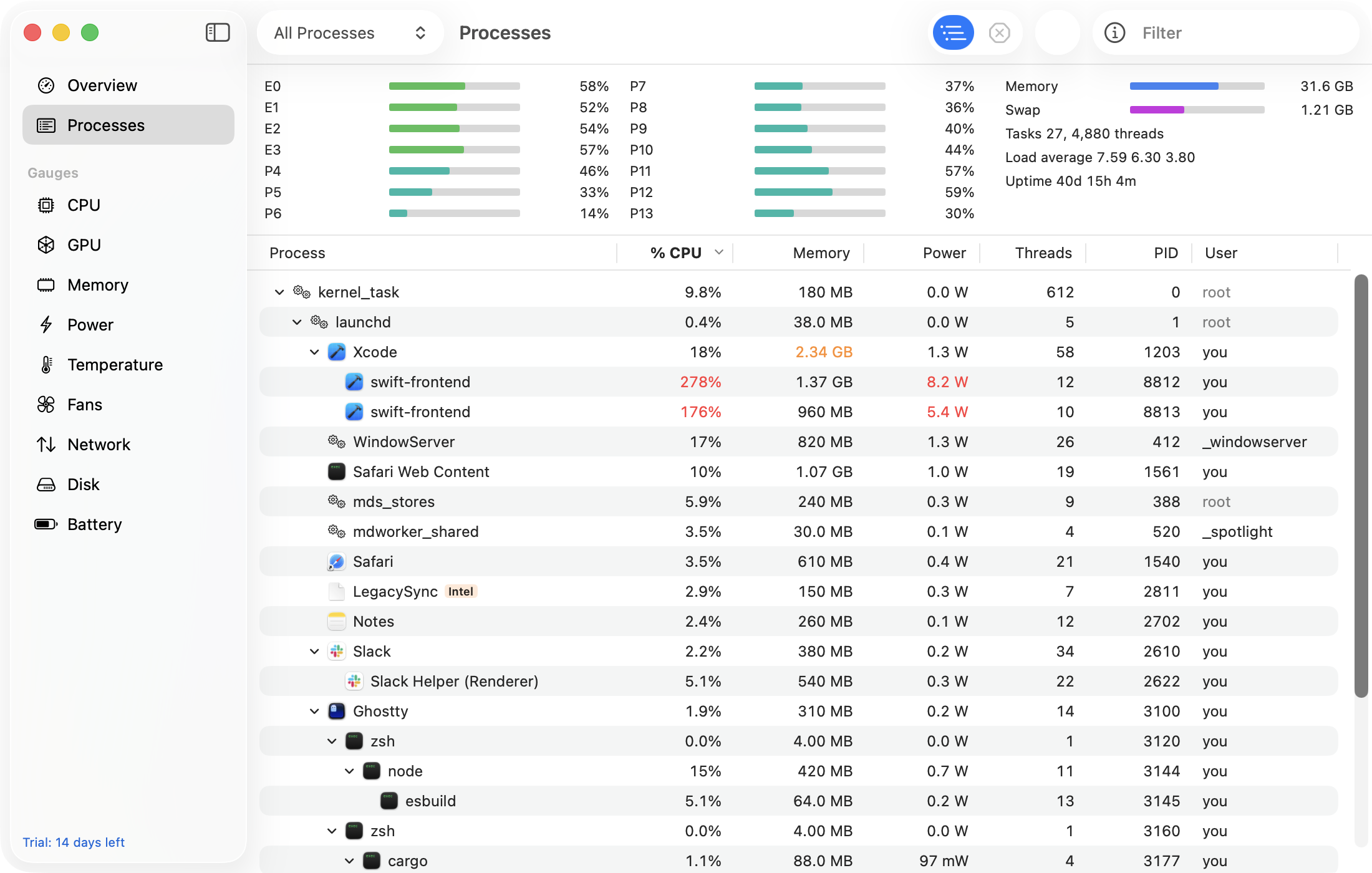
The easier way: GaugeMon
GaugeMon is an htop-style process list for the Mac: per-core meters, load average, tree view and signals. It lists every process without sudo, and its optional privileged helper, installed from Settings, fills in CPU and memory for root and system processes so nothing reads 0% by mistake.