GaugeMon
Mac Performance Guide
WindowServer high CPU on Mac
Short answer
WindowServer composites every window on every screen. Its CPU use goes up with the number of pixels it has to push (more and larger displays, scaled resolutions), how often it pushes them (high refresh rates), how expensive each frame is (transparency and blur), and how many apps ask it to redraw. Often one app drawing constantly is the real cause.
Check it from the terminal
Take two samples with top (the first prints 0.0 for everything) and look at what is busy next to WindowServer:
top -l 2 -n 10 -o cpu -stats pid,command,cpu,userPID COMMAND %CPU USER
3675 Microsoft To Do 64.4 suresk
606 WindowServer 63.7 _windowserver
558 mds 35.4 rootA quick one-off check with ps:
ps -axo pid,user,%cpu,comm | grep '[W]indowServer'And see what WindowServer is driving:
system_profiler SPDisplaysDataType | grep -E 'Resolution|UI Looks like' Resolution: 1920 x 1080 (1080p FHD - Full High Definition)
UI Looks like: 1920 x 1080 @ 60.00Hz
Resolution: 3456 x 2234 RetinaHow to bring it down
- Quit the app that climbs with it. Apps with constant animations, video, or many live web views keep WindowServer redrawing even in the background.
- Turn on Reduce transparency in System Settings › Accessibility › Display. Blurred menus and sidebars cost work on every frame.
- Try one display at a time. Each extra display, and each scaled resolution, adds pixels to composite.
- Lower the refresh rate of an external display if it runs above 60 Hz and you do not need it.
- Close windows you are not using. Hidden windows are cheap; visible ones that update are not.
Note that tools like htop without sudo show WindowServer at 0%, because it runs as another user. See the related guide below.
The easier way: GaugeMon
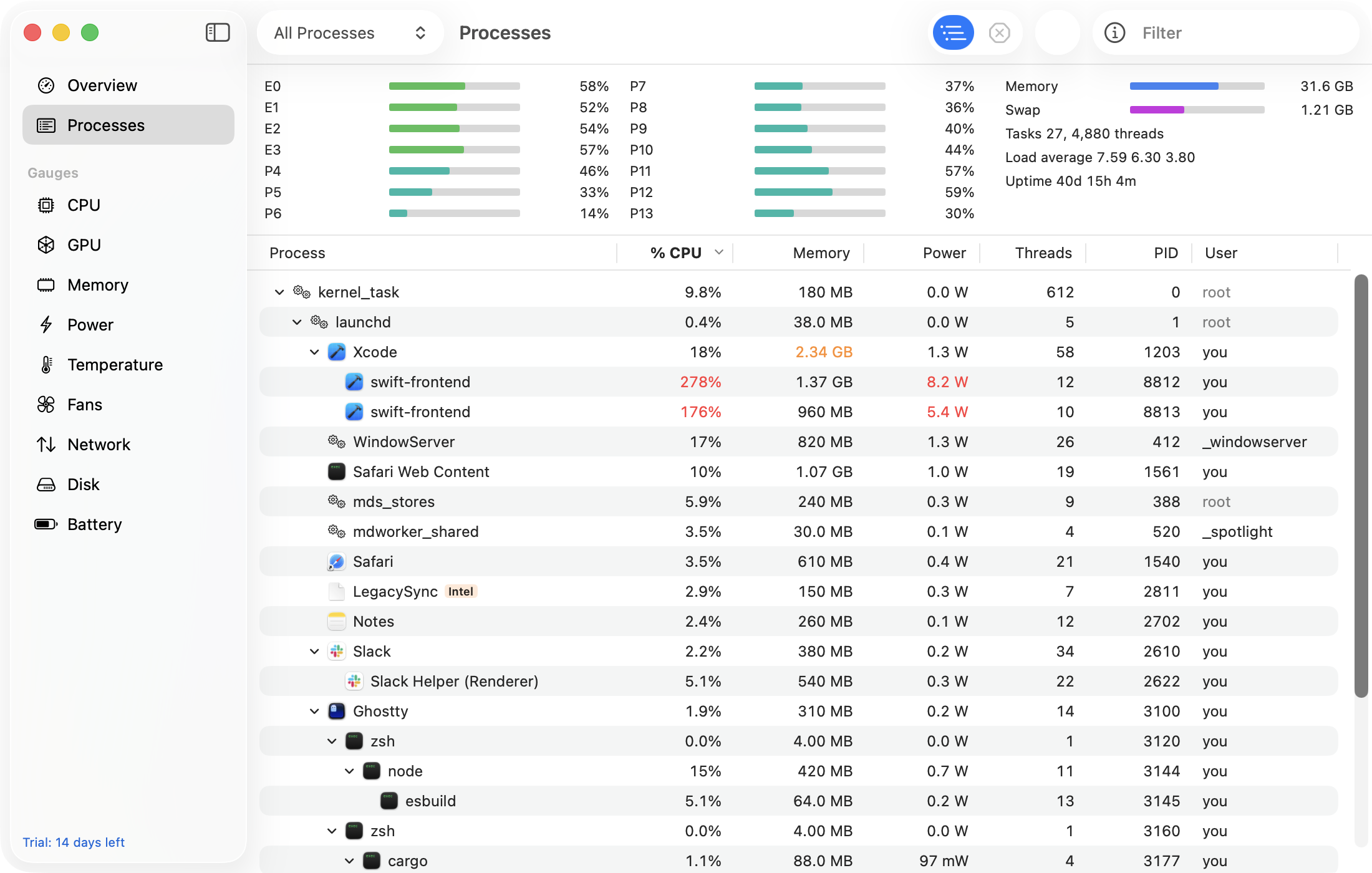
GaugeMon's Processes window shows WindowServer next to the apps making it work, with CPU, power in watts and wakeups per second for each. With the optional helper, WindowServer's own numbers are filled in, not left at zero like htop.